Teachers College, Columbia University
MIS S ED replaces rumors with verified updates for international students in the TML program. We rebuild trust and reduce anxiety through community verification.

Official sources confirm that OPT processing times remain normal. Please refer to OISS guidelines rather than unofficial chats.
For international students, unverified information can be a source of deep anxiety.
Visa status, housing safety, and academic integrity are too important to risk.
Rumors spread faster than facts, creating unnecessary panic.
Official emails are dense; peer chats are unreliable.
Without a trusted network, students feel alone in their struggle.
Three core features designed to fight misinformation and grow belonging.
Click cards to preview
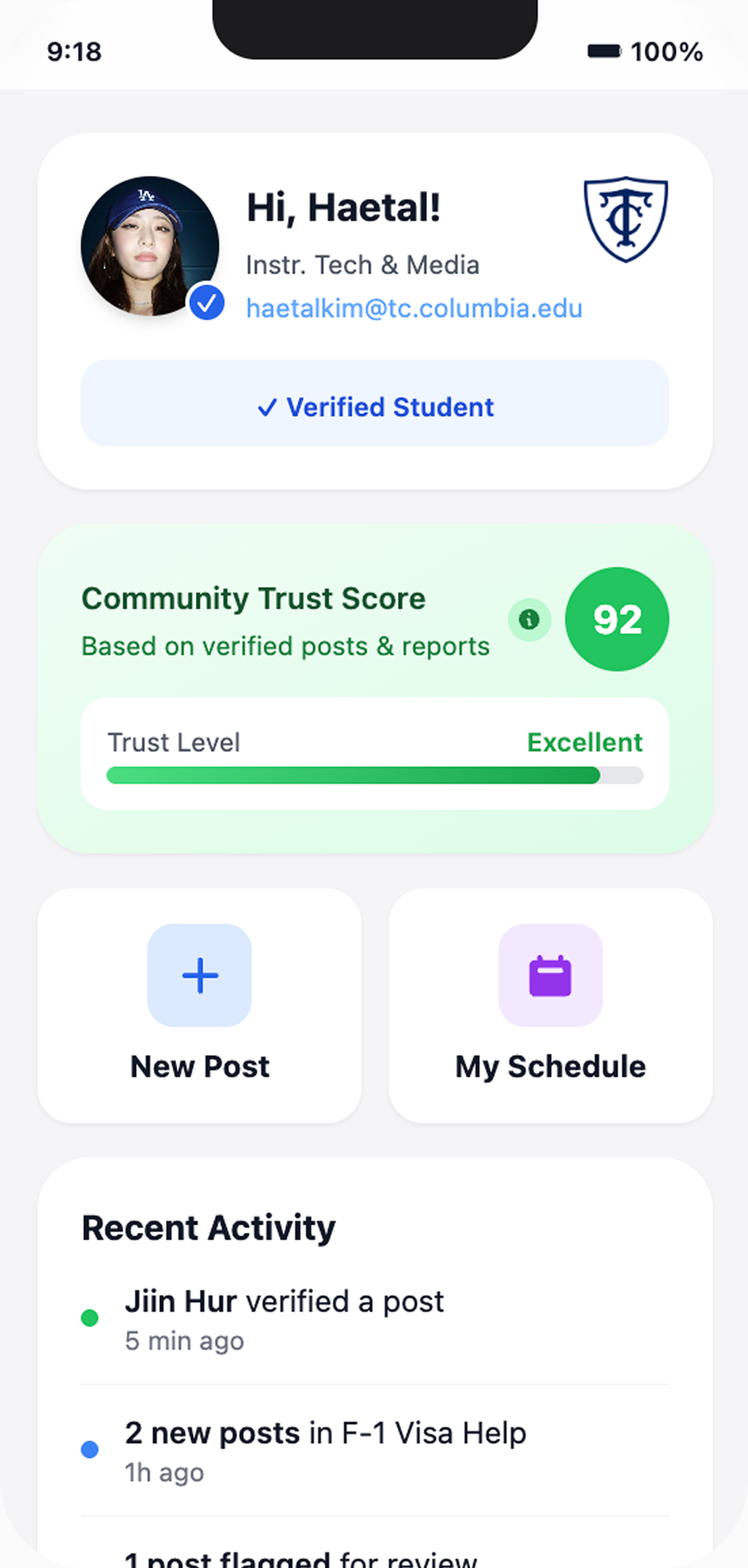

A dynamic metric that assesses the health of the information environment. It fluctuates based on the ratio of verified vs. unverified posts.
Preview UI
The green checkmark isn't just a badge; it's peace of mind.
Posts are cross-referenced with OISS & moderators to distinguish facts from rumors.
Preview UI

Privacy-first Academic Networking.
Preview UI
We refined MIS S ED by breaking down user feedback,
using core computational concepts.
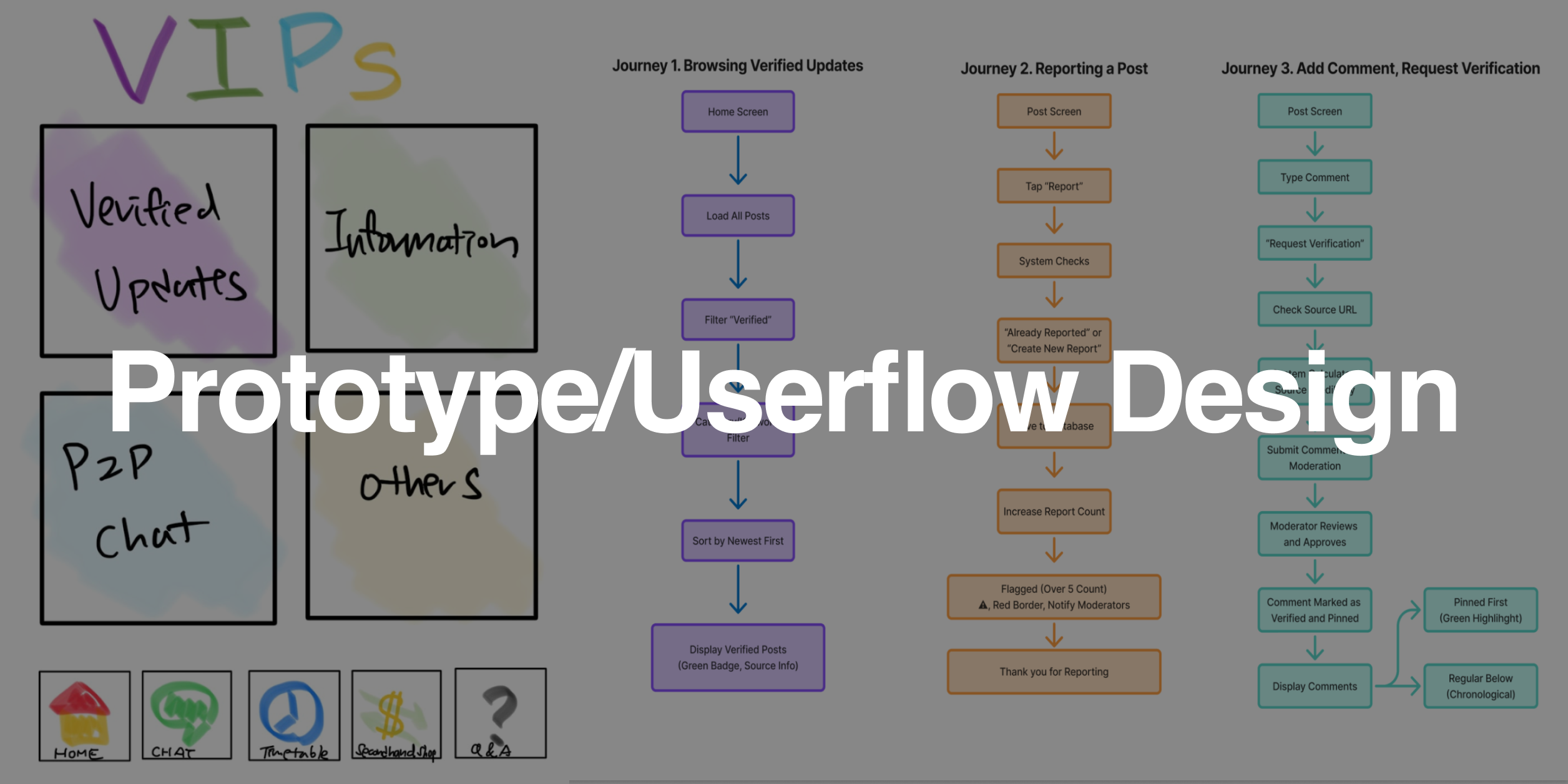
We applied Decomposition to break down the complex "VIPs" concept into manageable parts.
Through Abstraction, we were able to filter out relatively irrelevant features like the "Second-hand Shop" to focus purely on the core variable: TRUST. This allowed us to design a system exclusively for misinformation prevention.
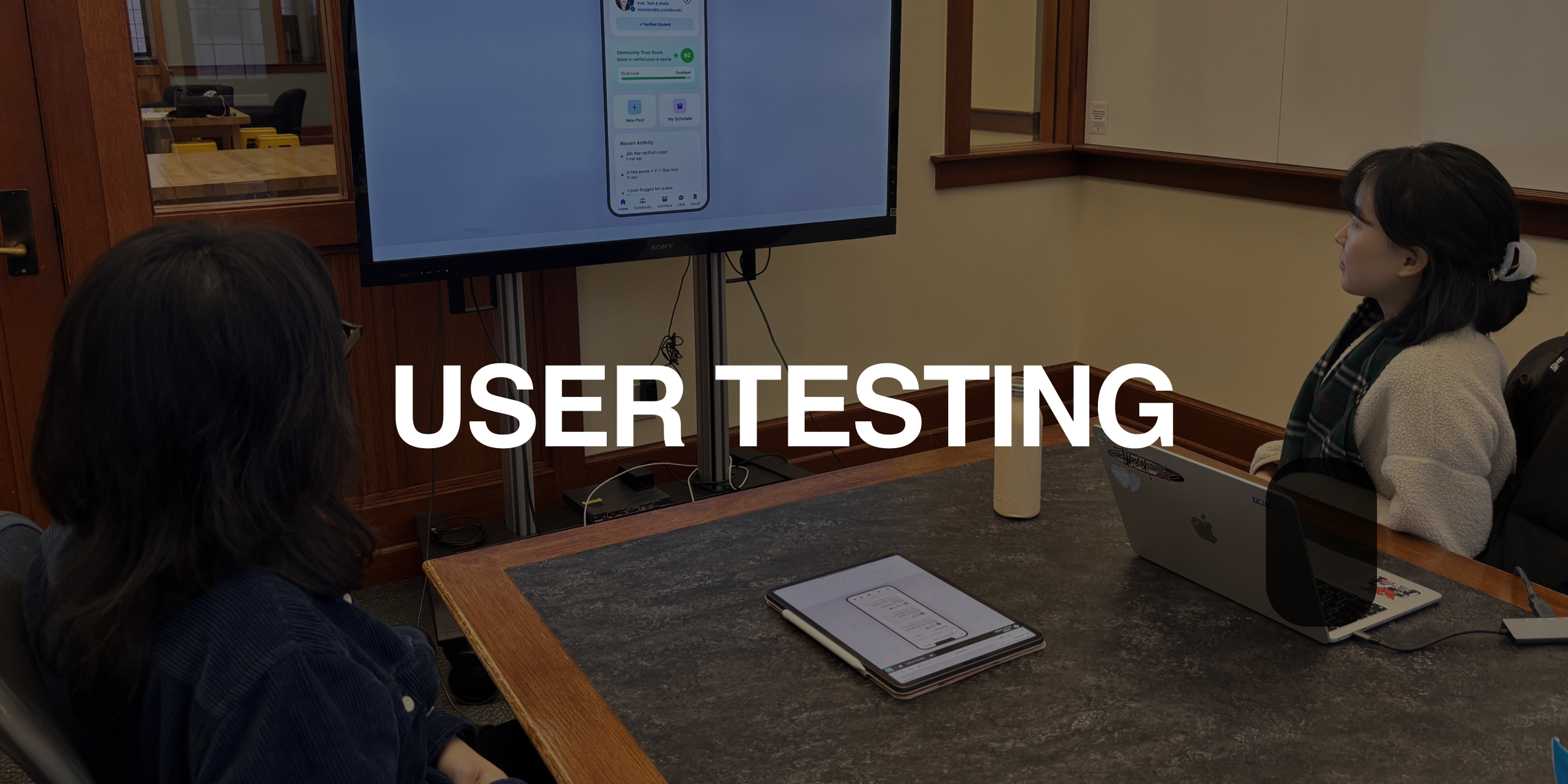
Watch Field Testing Video
Click to view
Field testing revealed a Pattern: users hesitated because the source of verification was unclear ("Who is verifying this?").
We used Algorithm Design to create a step-by-step Onboarding Tutorial. This defines the rules of the system (OISS cross-referencing) immediately upon login, establishing a clear logic for trust.
Check the live build to see how the Trust Score changes based on community activity.
Hover over the phone preview
Click "Launch Live App"
Important:
On the login screen, click the Use Trial Account button.
Sign-up is disabled temporarily.
Reminder
Click "Use Trial Account"Use "Trial Account" to login